How it works
Four steps to a feed that's actually yours.
No algorithm guessing at your interests. You name the subjects, you sort them, and you set how much of the conversation comes with them.
Find the topics
Search the subject you care about, or start from recommendations and what's trending. Every topic page carries keywords, so what you find is what it says it is.
If the page you want doesn't exist yet, make it. Naming a topic is how you start one.
File them into pages
When you follow a topic, you put it in a subscription page — an existing one or a new one. That page becomes a feed of only those topics.
Cycling in one page, work in another. They never mix, because you didn't put them together.
Set your terms
Each topic inside a subscription page gets its own comment setting: all of them, none of them, only what the owner elevated, or only what cleared a like threshold.
The same topic can be quiet in one of your pages and loud in another.
Post, submit, or just read
Publish to a page you run, send a submission to a page you follow and wait for the owner's approval, or read and never post at all.
Reading without posting is a first-class way to use MyTopX, not a lesser one.
What changes
The people posting can change. The subject doesn't.
That's the whole difference. On a person-centric feed, one account changing direction changes what you see. Here, a topic page is about its topic — whoever is posting to it this month.
In the app
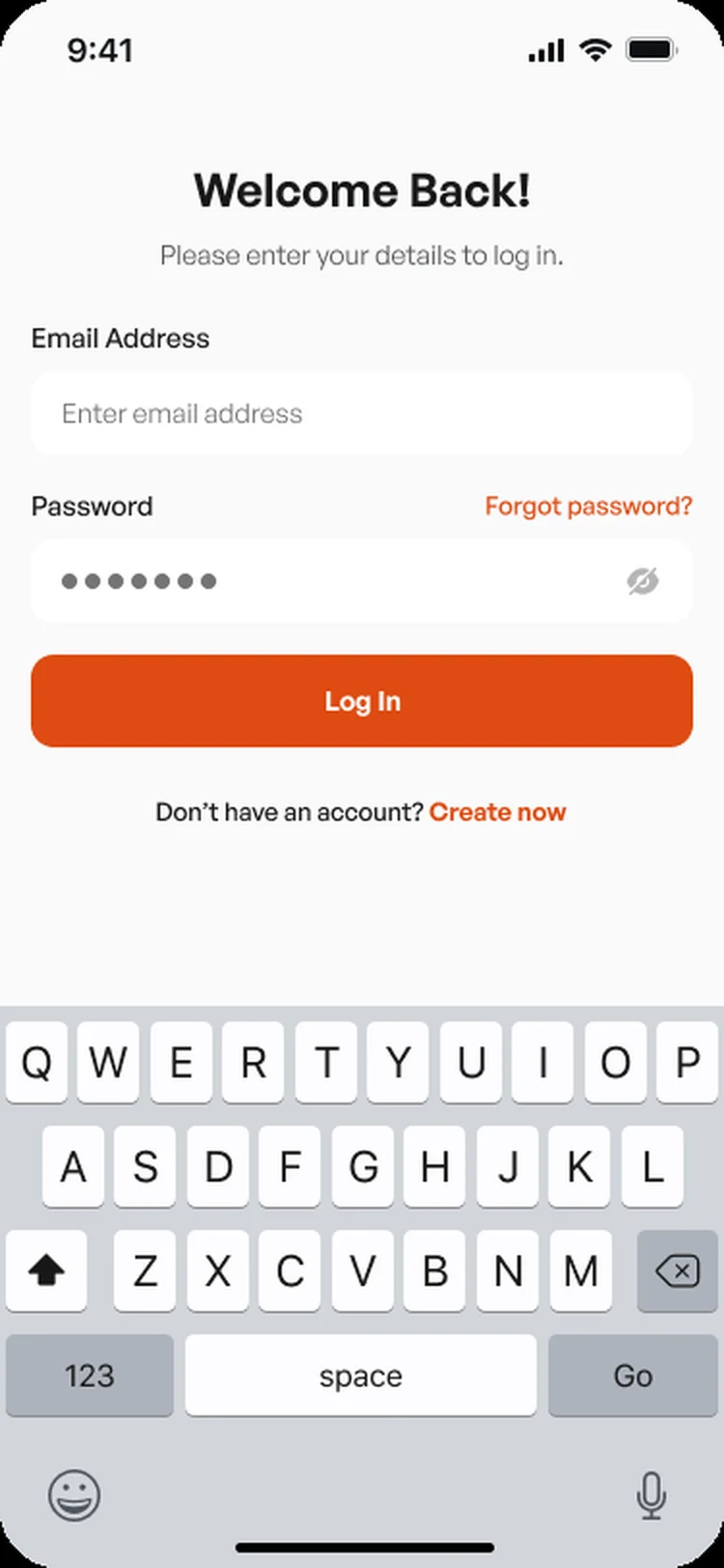
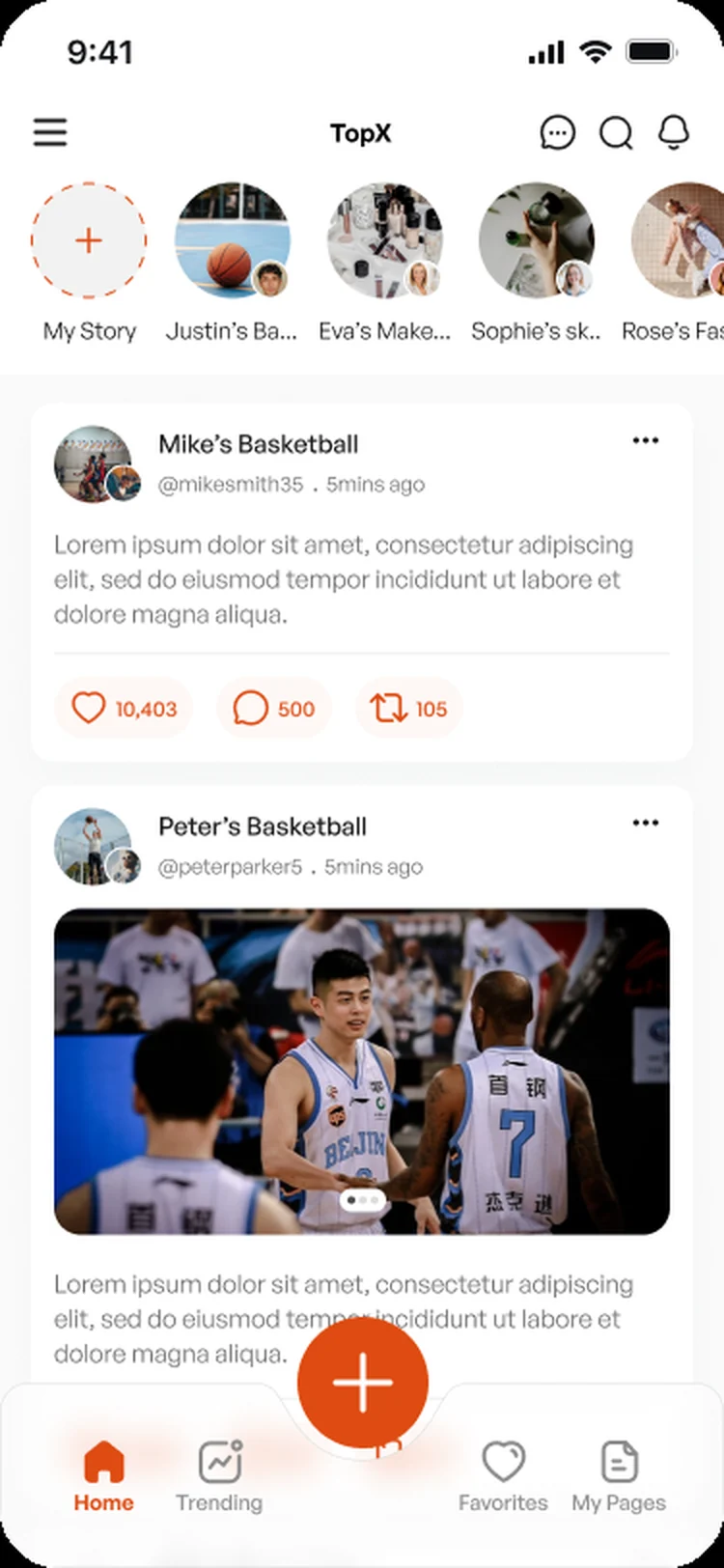
Sign in, then straight into the subjects.