
Topic-centric social
Follow topics,not people.
Your feed is built from subjects you picked. Subscribe to a topic, file it into a page of your own, and set exactly how much of the conversation you want to see.
Most feeds sort by who posted. MyTopX sorts by what it's about.
The usual way
You follow a person, and inherit everything they post.
Someone you followed for their photography starts posting about politics. You either take it or lose the photography. The feed mixes every interest you have into one stream, then asks an algorithm to guess what you meant.
The MyTopX way
You follow a subject, and get only that subject.
Subscribe to the topics you actually want. Sort them into separate pages so cycling never lands in the middle of work. The people posting can change; what the page is about doesn't.
The feed
Only the topics you subscribed to
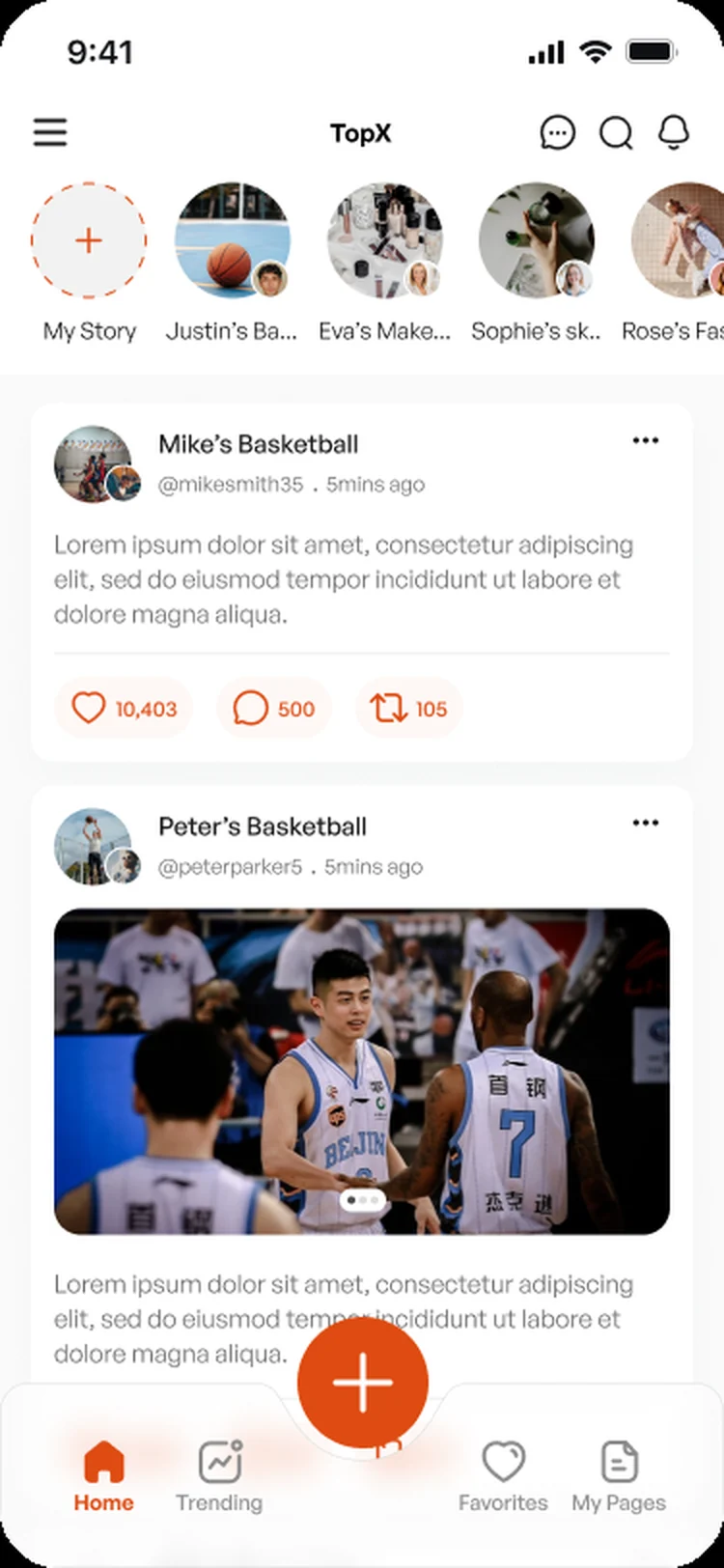
Stories along the top, posts underneath, and every one of them from a topic page you chose by name. Nothing arrives because an algorithm guessed you might tolerate it.
On the web too
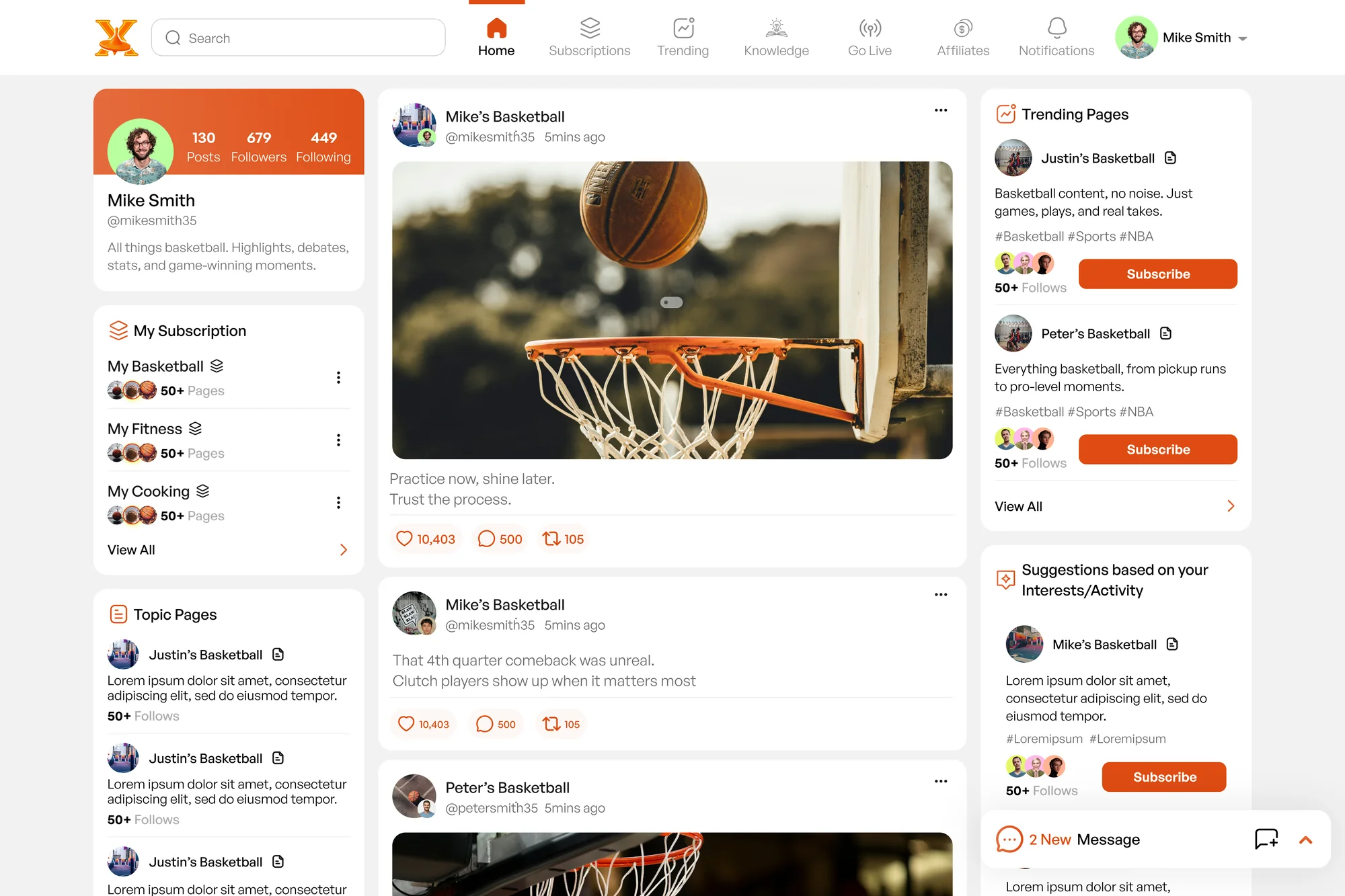
The same feed, with room to spread out.
Subscriptions down the left, the feed in the middle, trending and suggestions on the right. Nothing hidden behind a menu.
What you get
Built for people who came for the subject.
- 01
Topic pages
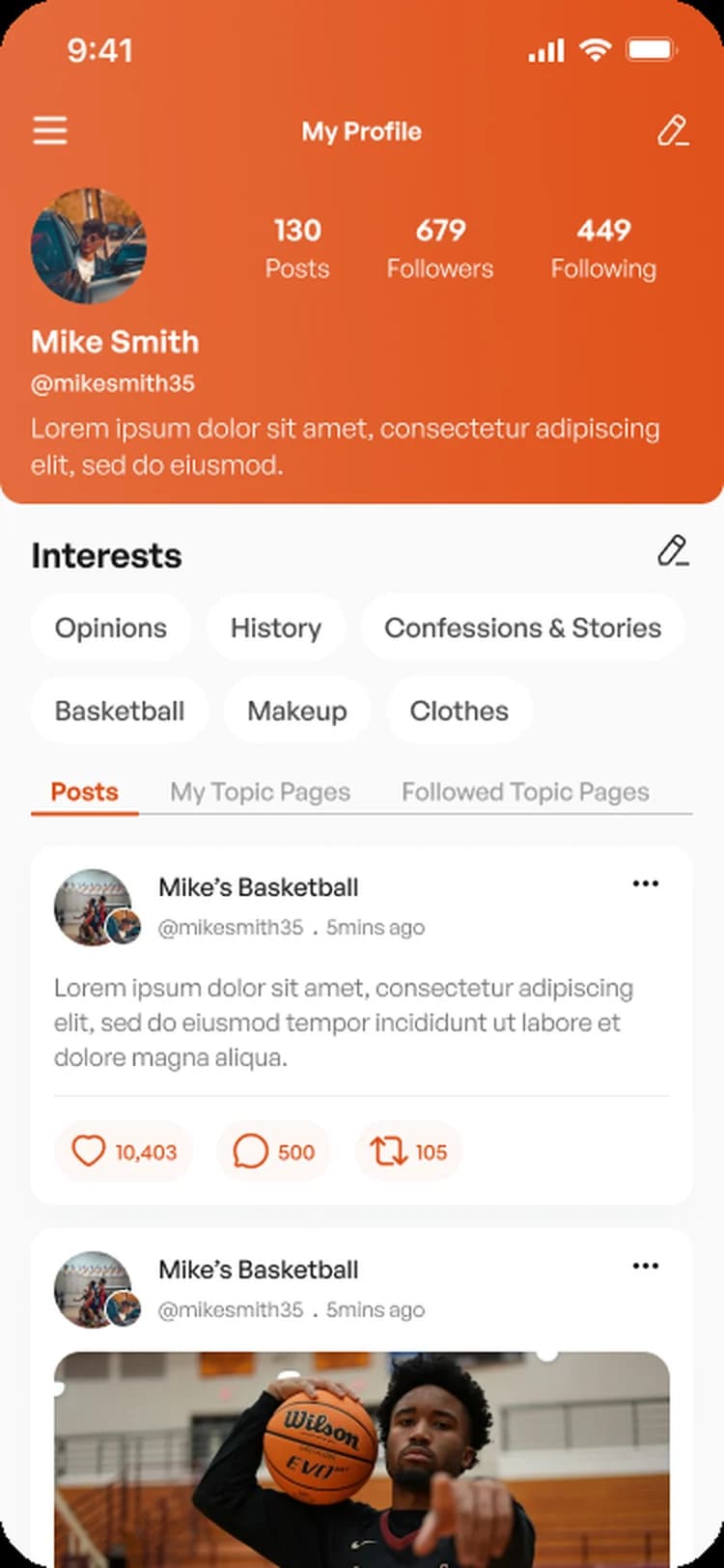
Create a page about one subject, tag it with keywords so people can find it, and decide whether it's open to everyone or invite-only.
- 02
Subscription pages
Group the topics you follow into your own pages. A cycling page, a film page, a work page — each one shows only its own feed.
- 03
Submissions
Send a post to a topic you follow. Nothing goes public until the page owner approves it.
- 04
Stories and live
Post a story that clears after 24 hours, or go live on your topic page and talk to the people already there for the subject.
- 05
Knowledge posts
Reference cards with their own backgrounds, colours and fonts, sorted into categories on your profile.
- 06
Expert status
Apply with your credentials, or get voted up by the people who read you. Expertise attached to the subject you know.
- 07
Reposts
Carry a post over to your own topic page or story. The original page stays credited on it.
- 08
Messaging
Direct messages once you follow each other, group chats, and a requests list for everyone else.
Comment control
Decide how loud the room is.
Every topic you follow gets its own comment setting inside your subscription page. The same post can be a quiet read in one place and a full discussion in another.
- All commentsEverything, unfiltered.
- No commentsJust the posts. Nothing underneath.
- Elevated and likedOnly what the page owner pinned or liked.
- Highly likedOnly comments past a like threshold you set.
Comments you've liked yourself always stay visible, even in the settings that hide the rest.